Documentation Get started How-to guides Key concepts The console Safety Evaluation Models Developers Your instance

Documentation

ThalamusCUA documentation

ThalamusCUA gives an AI agent a job to do in one of your applications. You state the goal in plain language; the agent plans the steps, carries them out through the application’s real screens, checks its work as it goes, and records everything so you can review it. Risky actions wait for your approval, and it may only change data where you allow it.

New here? Start with Get started, then pick a task below. Key concepts explains every term the console uses.

What do you want to do?

The most common tasks, each a short step-by-step guide.

How a goal becomes done

Every piece of work goes through the same four steps — and you can look at, or change, each one.

Explore the documentation

Each area of the product, what it is for, and where to read more.

The console

Give goals, watch runs, step in

The console is where you work: write a goal, follow the run, and answer the agent when it needs you. Every page has a ? beside its title that explains it.

  • New goal → Runs → Run detail
  • Approvals for actions waiting on you
  • Trace explorer for step-by-step evidence and reports
  • Documents: model evaluations and the scripts behind them
Read the console guide →
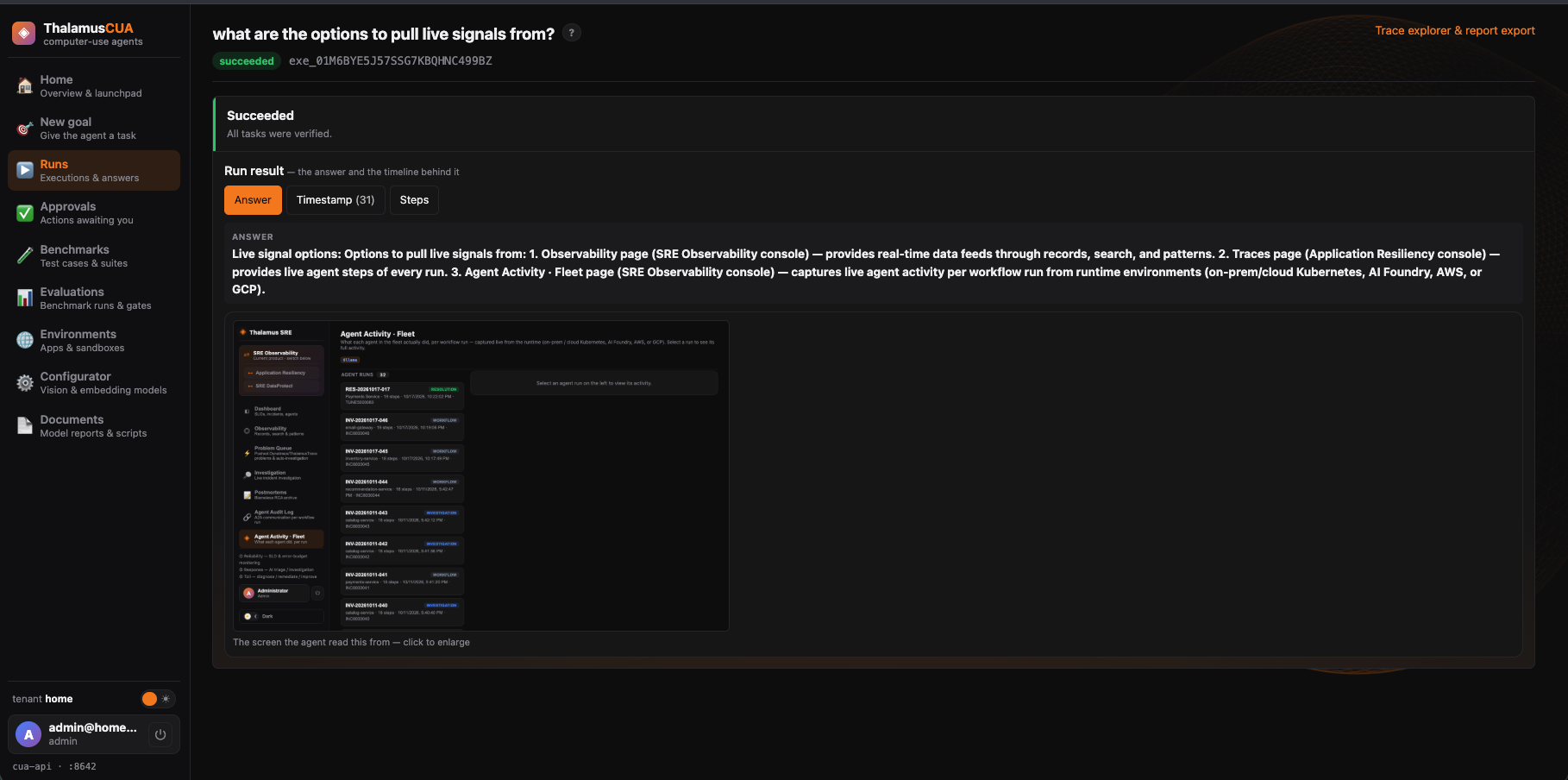
A run in ThalamusCUA
A run — its stage, the answer, the steps with screenshots, and the hint box.
Environments & safety

It only changes what you allow

Each application has environments: disposable ones the agent may change and reset, and shared ones it may only read. Risky actions wait for approval, and every step is recorded tamper-evidently.

  • Address and login per environment, stored encrypted
  • Snapshot and reset disposable environments
  • Approvals on high-risk actions
  • Isolated sandboxes with an allow-list for outbound traffic
Read about environments and safety →
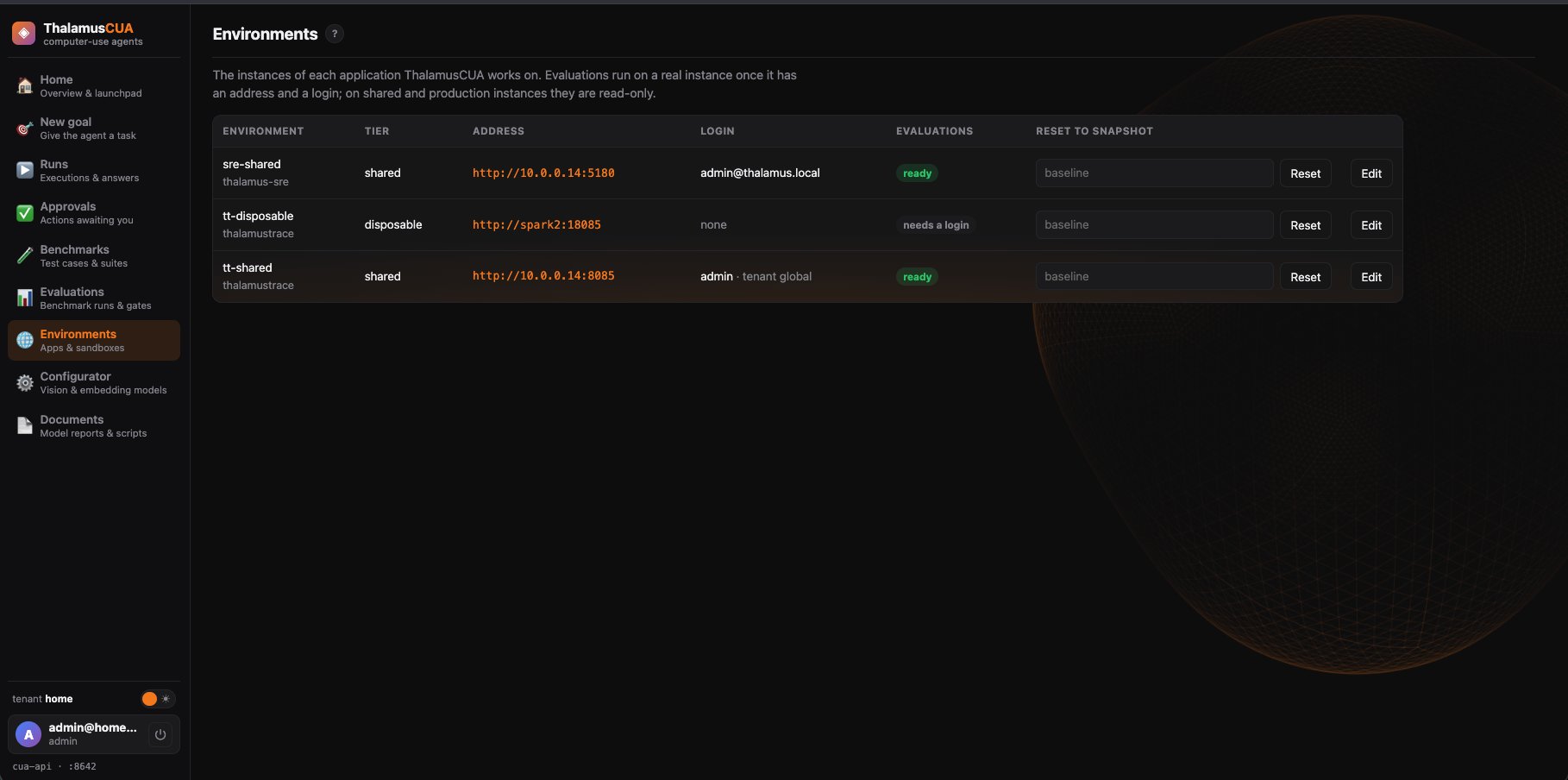
The Environments page
Environments — each instance’s address, login and whether the agent may change it.
Benchmarks & evaluation

Know how well it does the job

A benchmark is a set of test cases for an application. An evaluation runs one against a real instance (or the mock site) and scores every case, so you can compare models and catch regressions.

  • Write, copy and edit benchmarks and cases
  • Run on a real instance, read-only on shared ones
  • Failures classified, and promotable into the regression suite
  • Configurations compared side by side
Read about benchmarks and evaluation →
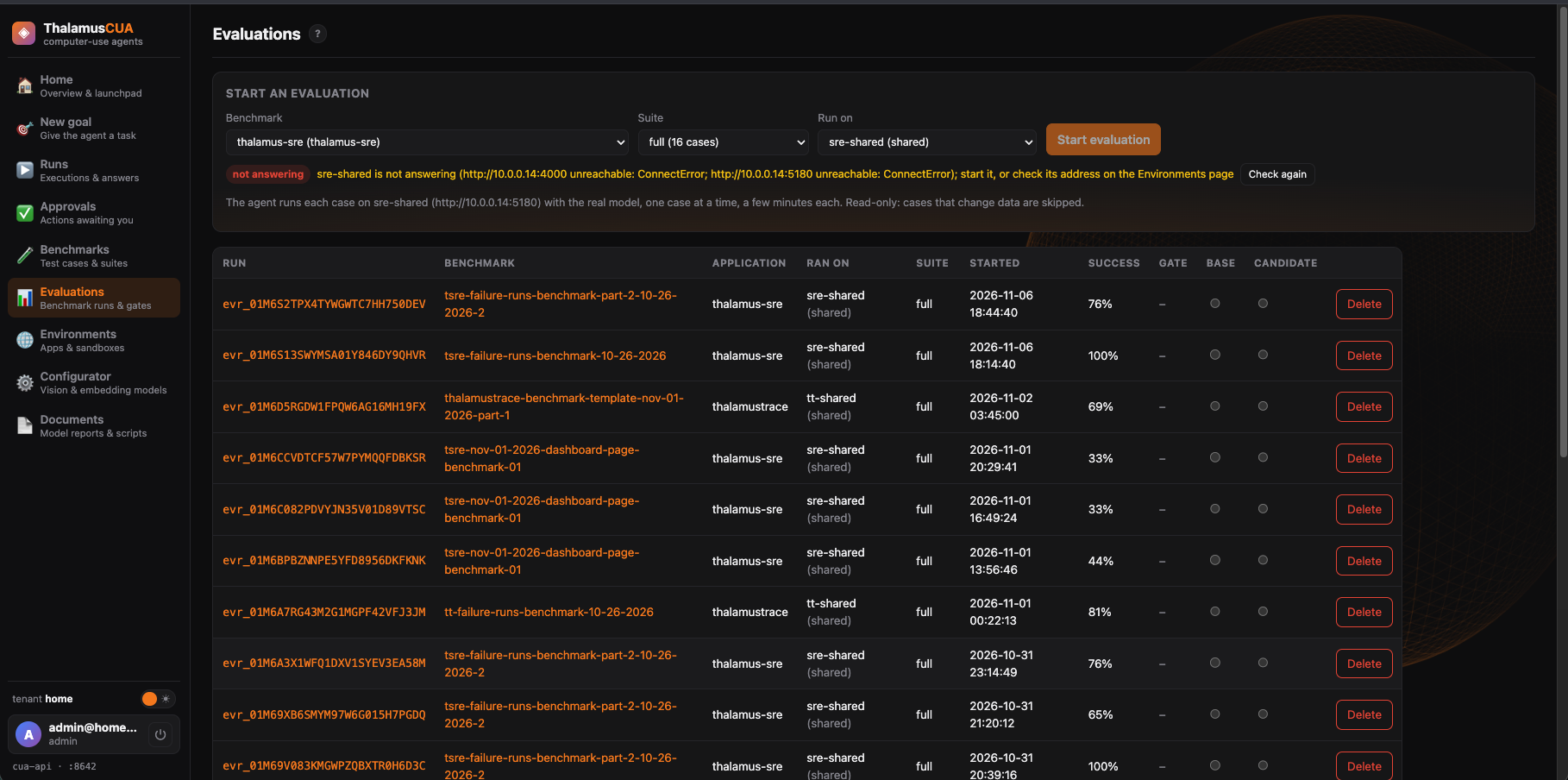
Evaluations
Evaluations — where each ran, what passed, and comparisons between runs.
Models

Vision models, your choice

The agent sees the screen through vision models that run inside your instance — on Ollama or a Hugging Face server. Admins choose a model for each job on the Configurator page.

  • Planning, executor and escalation roles
  • Embedding models for application knowledge
  • Add models from Hugging Face, including the NorthCUA computer-use models
  • Measured results shown before you choose a model
Read about models →
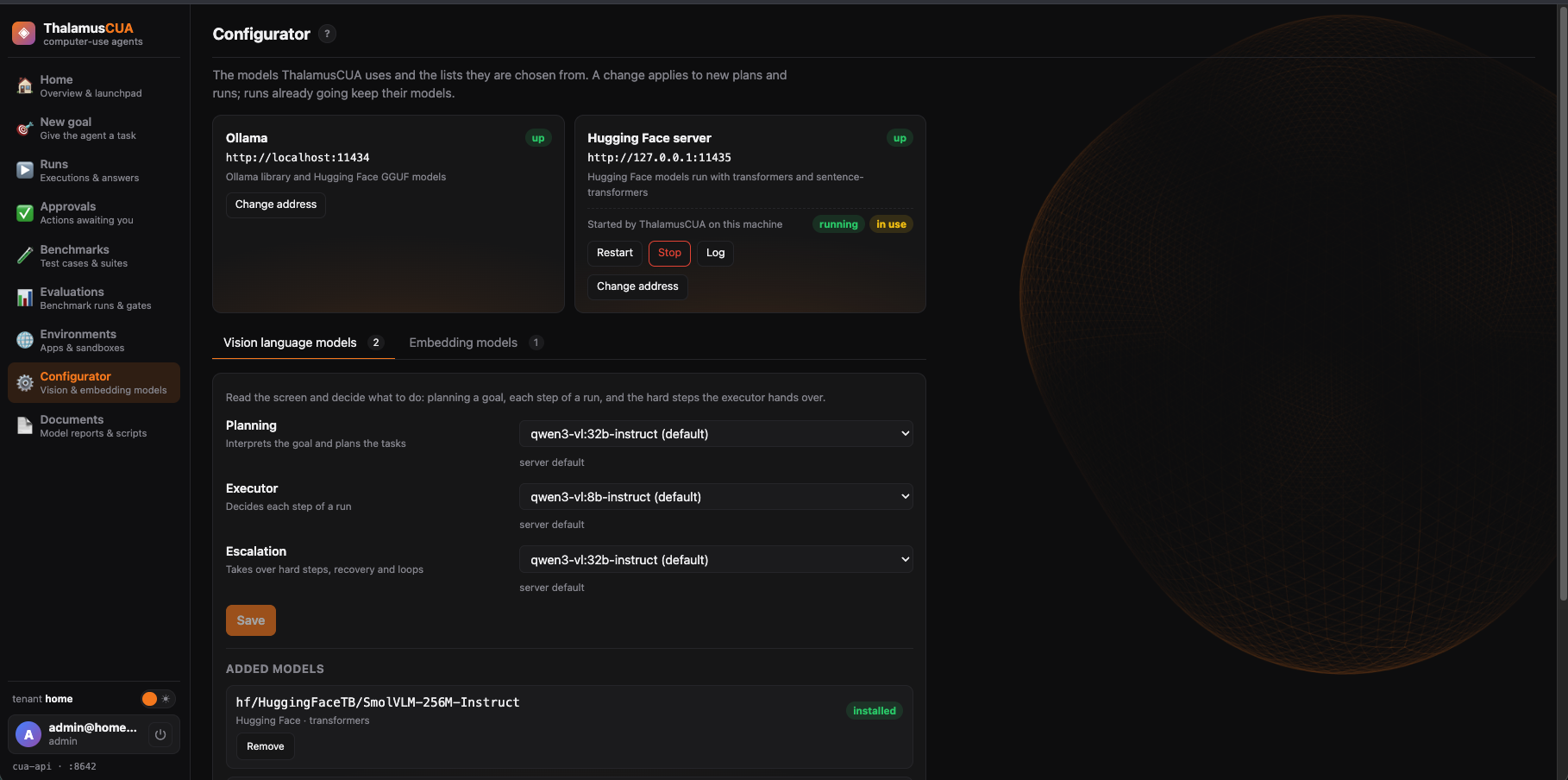
The Configurator
Configurator — a model per role, and the model servers.

Get started

ThalamusCUA runs as your own instance on Thalamus AI Cloud — nothing to install. The full walk-through is in Get started.

Schedule a demo

See an agent operate your application

Tell us which application you'd like an agent to operate, and we'll show ThalamusCUA carrying out real goals in it — planned, verified, and recorded step by step.

  • A walkthrough on an application like yours
  • Your own ThalamusCUA instance on Thalamus AI Cloud — nothing to install
  • Human approval on every high-risk action

We'll use these details only to prepare and schedule your demo. No spam.